
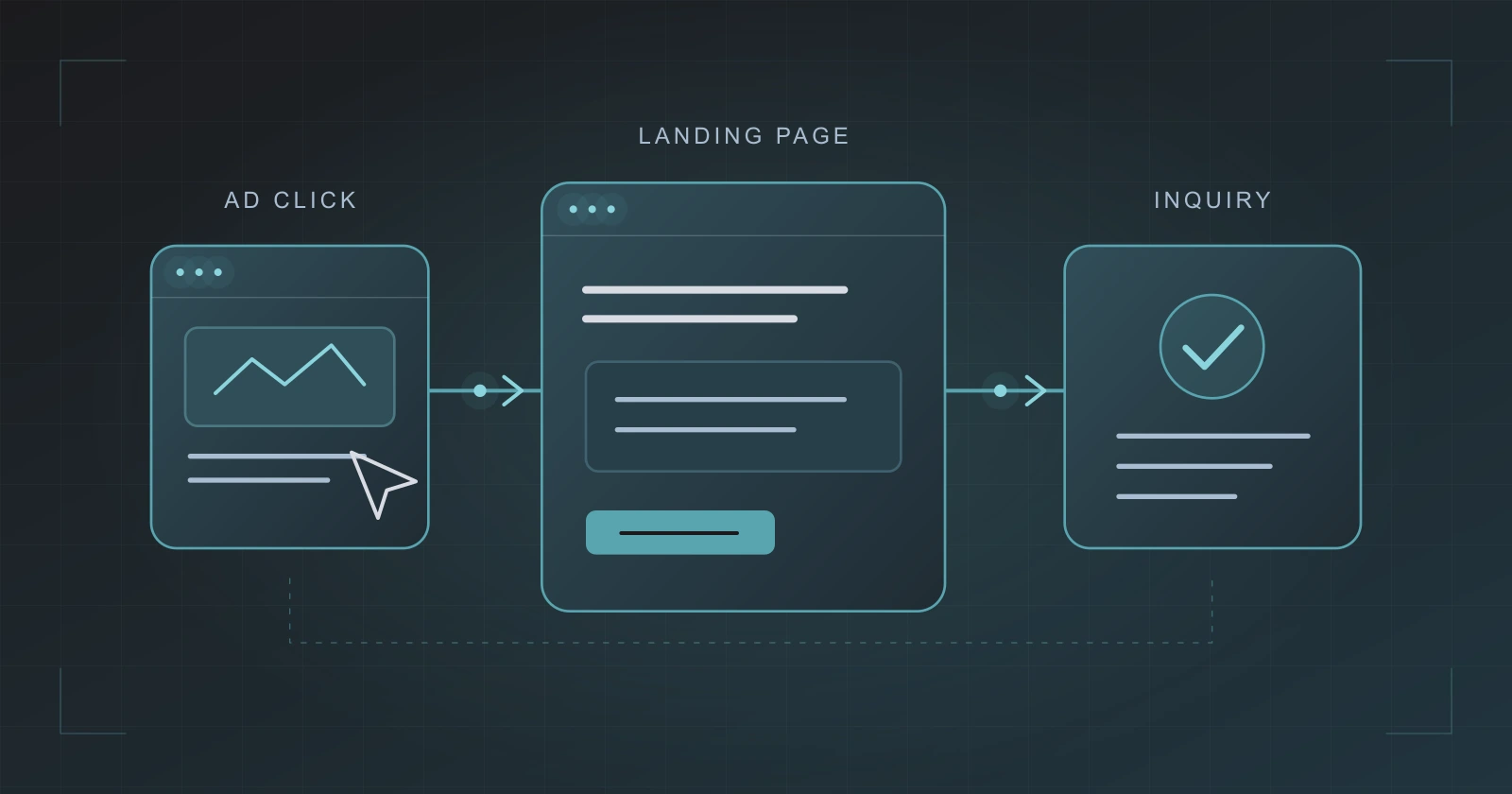
If your ads are getting clicks but few leads or sales, check three things before drawing a conclusion: whether conversions are measured correctly, whether the landing page delivers what the ad promises, and whether people can complete the next step.
A campaign report alone cannot explain the whole journey. A broken form, an unclear offer, and traffic from the wrong audience can all require different fixes. Work through the journey so you can identify the problem you actually have.
First, confirm what counts as a conversion
Write down the action you want: a completed inquiry, a booked appointment, or a purchase. Then check what your reporting records. A click on the submit button is not the same as a successfully delivered form.
Run a clearly labeled test inquiry or a test purchase through the appropriate test process. Confirm both sides: the intended action is recorded in your measurement tools, and the inquiry or order reaches the system your team uses. Check whether repeating or refreshing a step creates a duplicate record.
For Google Ads conversion actions marked unverified, inactive, or needing attention, Google’s Tag Assistant troubleshooting guide explains how to test the action and inspect the tag feedback. Start from the landing page and follow the journey. Tag feedback is one part of the check; separately verify that your team received the inquiry or order.
If the reported action is wrong, address measurement before using that number to judge campaign performance.
Compare the ad with the page it opens
Read the ad and landing page together. A visitor should be able to recognize the service, offer, or product that prompted the click without searching through your site.
For example, imagine an ad offering help with a Shopify store redesign. If it opens a general homepage that gives equal space to five unrelated services, the visitor has to work out where to go. A relevant landing page can explain the redesign service, what it includes, and how to start a project.
Check the practical questions someone needs answered before contacting you. Who is the service for? What happens after the inquiry? Is there a cost for the initial conversation? If pricing depends on scope, explain how a proposal is prepared.
Ask someone unfamiliar with the page what they think it offers and what they would do next. Let them answer before explaining the page yourself.
If you’re ready to build or redesign the website behind your campaigns, start planning your website. Share your goals and design preferences so we can prepare for a useful conversation.
Complete the journey on a phone
Use the page as a prospective customer would, from the first screen through confirmation. Pay particular attention to the small actions that are easy to miss during a desktop review:
- Can you find and tap the main call to action without an overlay covering it?
- Do labels explain what to enter, and can you select every required option?
- Does an error explain how to fix the entry while keeping the information you already provided?
- After submission, is it clear that the request went through and what happens next?
For a store, follow product selection through checkout using a test method. Check shipping information, payment steps, and confirmation. For a service business, check that someone is responsible for receiving and responding to the inquiry.
Look beyond the number of leads
Review recent inquiries with the person handling them. Separate relevant opportunities from spam, duplicates, and requests outside your service or coverage area. For a store, review orders and cancellations alongside the reported conversion count.
If the journey works and measurement is reliable, but the inquiries are a poor fit, revisit campaign targeting and the message in the ad. On search campaigns, review the available search-term data. On other channels, compare the audiences and creative with the customers you intend to reach.
When suitable inquiries arrive but do not progress, examine response times, the sales conversation, and the offer itself. Avoid treating every lost opportunity as a landing-page problem.
Choose a change you can evaluate
Fix confirmed faults, such as a broken form or incorrect tracking. For an improvement hypothesis, record what you changed and what you expect it to affect. An unclear headline might call for a message test; poor-fit inquiries might call for tighter targeting or clearer qualification.
Keep a record of other campaign changes and allow for the time it takes inquiries to become customers. A handful of visits or a short spike in leads is not enough to establish that a change worked.
RVABro Media’s Digital Advertising service includes campaign setup, media buying, ongoing management, testing, and optimization, along with conversion tracking setup and fixes. Phone-call tracking and connections between CRM outcomes and campaign reporting are scoped separately.